
Stealth d kaya madetect ng radar. Congrats.Originally Posted by zix888


The Largest Car Forum in the Philippines
- Forums
- Discussions
- Events
- Community
Results 2,361 to 2,380 of 3921
-
 BANNED BANNED BANNED

- Join Date
- Jul 2012
- Posts
- 283
January 31st, 2015 04:43 PM #2361
-
Verified Tsikot Member
- Join Date
- Dec 2014
- Posts
- 25
February 1st, 2015 10:17 AM #2362ano po kaya magiging prob kasi umamoy clutch ko kahapon. galing kasi ako LA PRESA. grabe trapik at medyo matarik p ang kalsada. TIA!
-
Tsikot Member Rank 1
- Join Date
- Jul 2009
- Posts
- 4,090
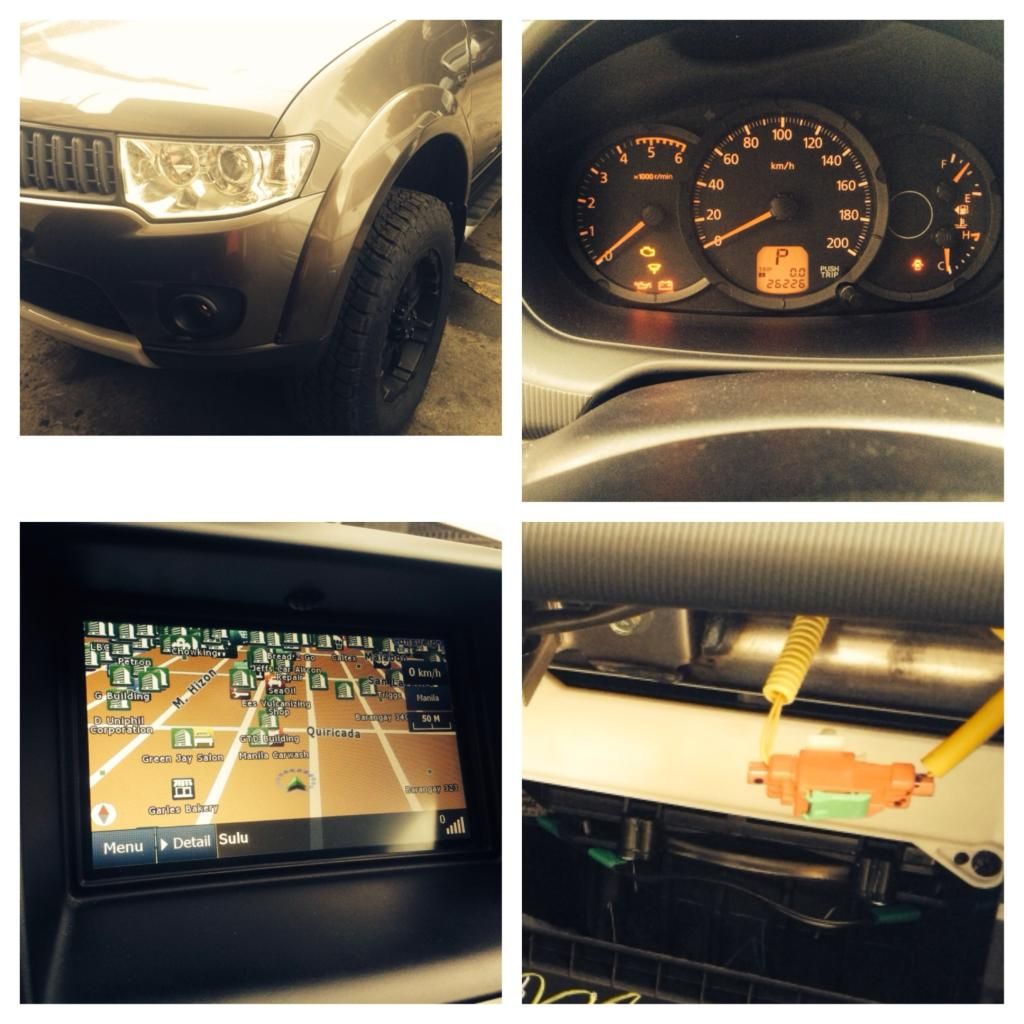
February 1st, 2015 01:41 PM #2363weekend *zix
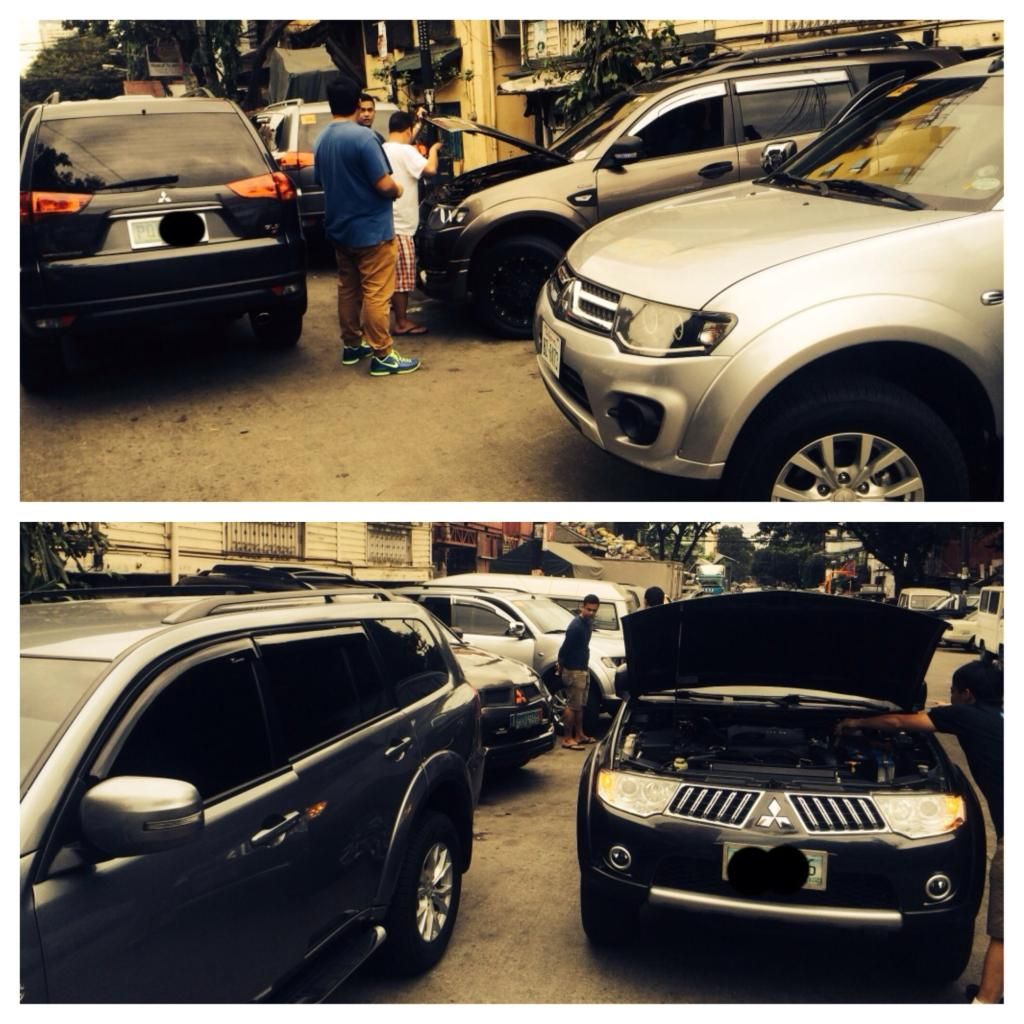
happy montys
- - - - - - - - - - - - - - - - - - - - - -
-
Tsikot Member Rank 1
- Join Date
- Jul 2009
- Posts
- 4,090
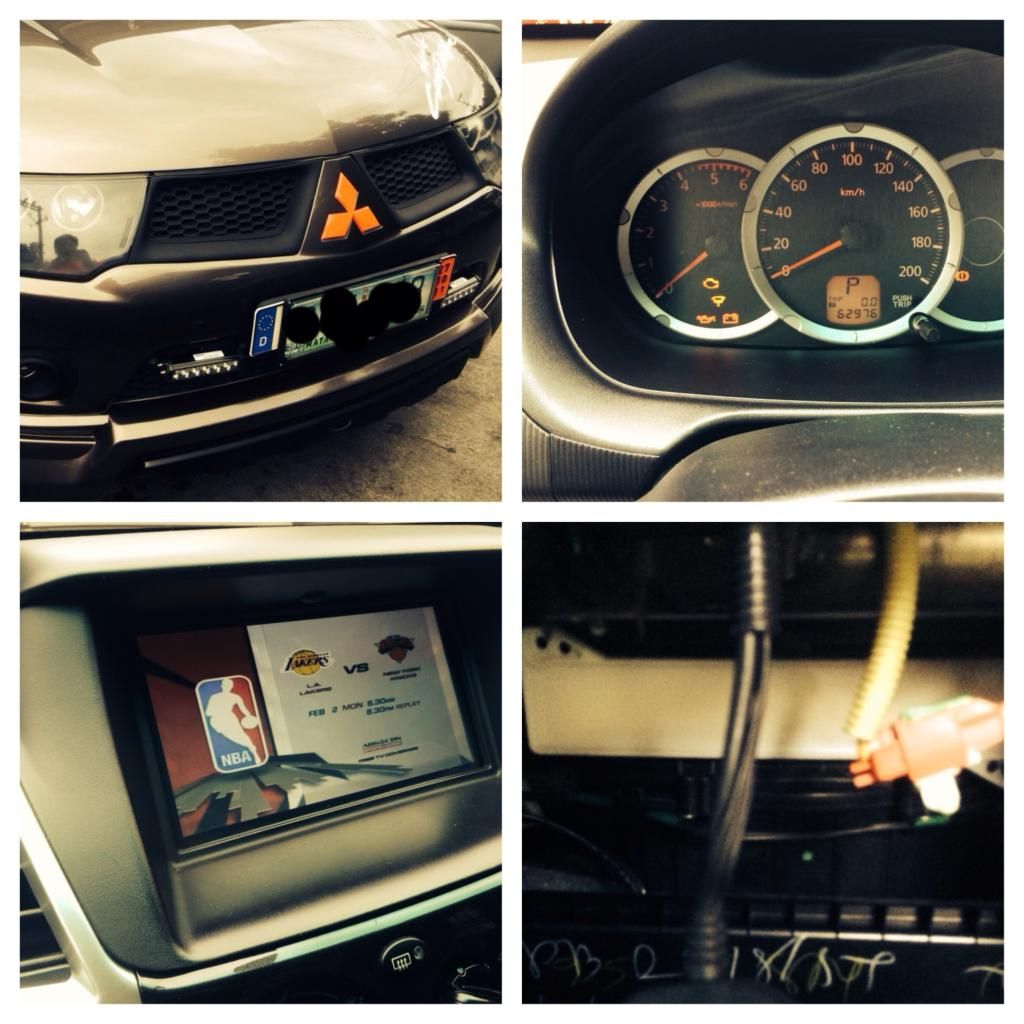
February 1st, 2015 02:03 PM #2364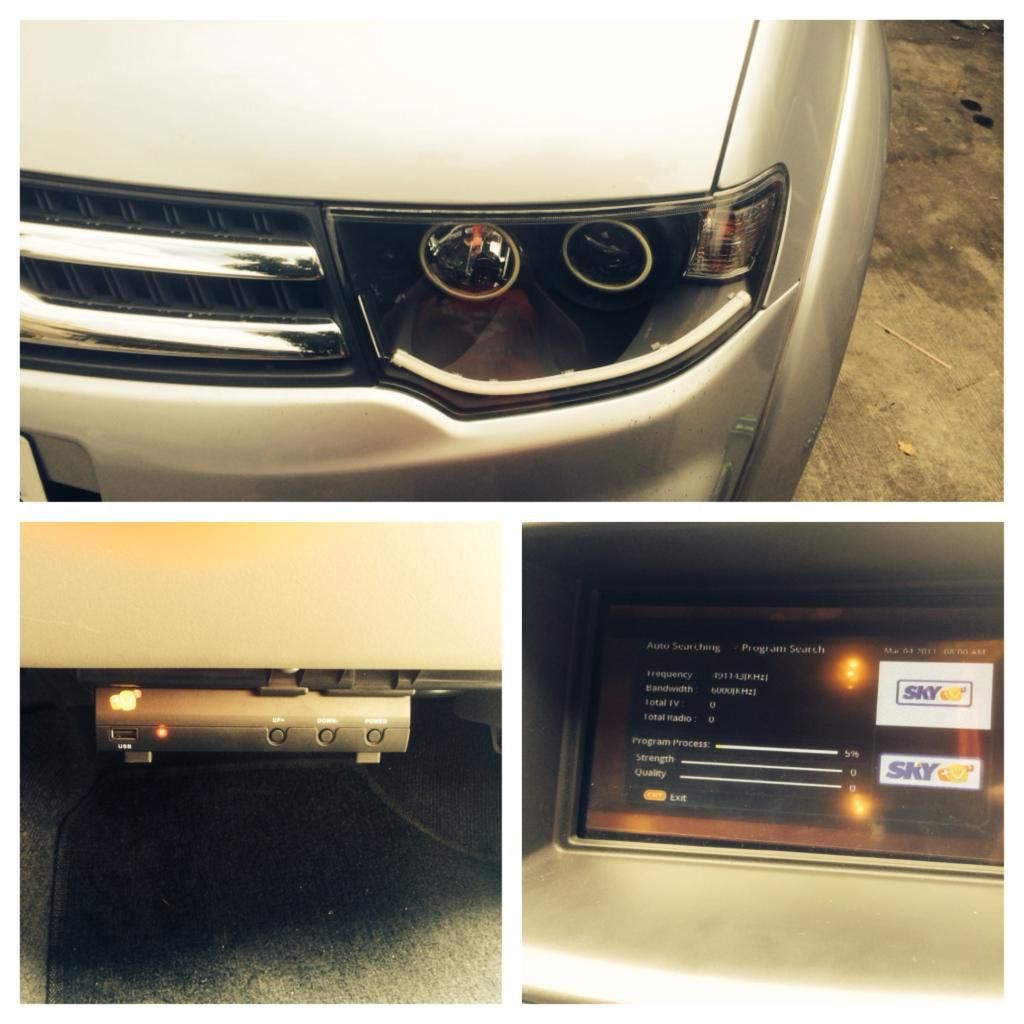
- - - - - - - - - - - - - - - - - - - - - -
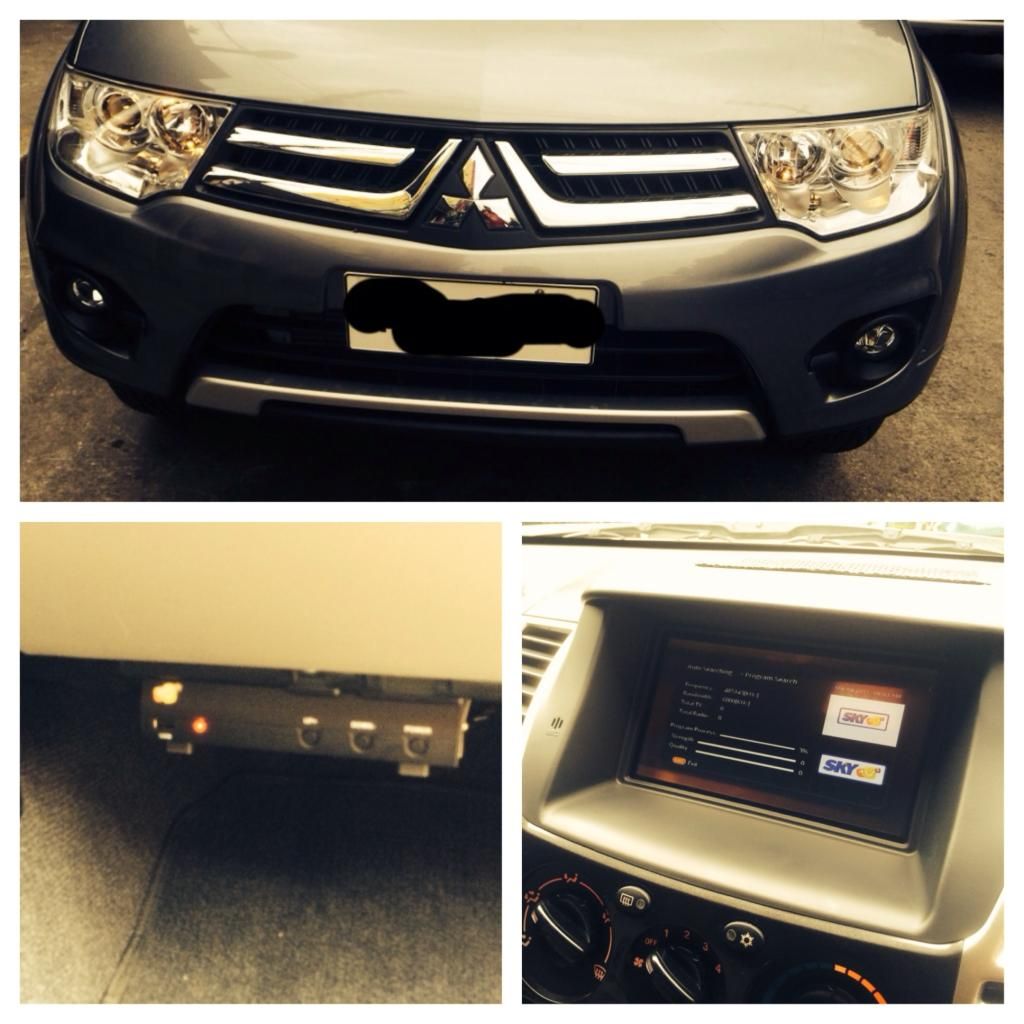
- - - - - - - - - - - - - - - - - - - - - -
-
 2012 GTV 4x4 A/T
- Join Date
- Apr 2012
- Posts
- 5,863
February 1st, 2015 04:41 PM #2365wow! very busy weekend bro....*zix shop Originally Posted by zix888

-
Verified Tsikot Member
- Join Date
- Nov 2006
- Posts
- 18
February 2nd, 2015 10:19 AM #2366Sobrang babad sa clutch sir. Mas iikli lang buhay ng clutch mo yun magiging problem sir. Originally Posted by engr.melvin
-
Verified Tsikot Member
- Join Date
- Dec 2014
- Posts
- 25
February 2nd, 2015 03:41 PM #2367ah ok po. medyo nababad nga. thanks sir! Originally Posted by oist123
-
 Tsikot Member Rank 5
- Join Date
- May 2006
- Posts
- 8,357
February 3rd, 2015 03:18 PM #2368nakakuha din sa wakas courtesy of diamond motors greenhills GLX MT 2014 model 130k discount.
-
 Verified Tsikot Member
- Join Date
- Jan 2009
- Posts
- 435
-
Verified Tsikot Member
- Join Date
- Apr 2014
- Posts
- 18
-
Tsikot Member Rank 5
- Join Date
- May 2006
- Posts
- 8,357
February 3rd, 2015 06:19 PM #2371thanks sir Originally Posted by smuiv
tint, seat cover lang walang masyadong freebies cash kasi. Originally Posted by Renski0731
- - - - - - - - - - - - - - - - - - - - - -
thanks sir Originally Posted by smuiv
tint, seat cover lang walang masyadong freebies cash kasi. Originally Posted by Renski0731
-
Verified Tsikot Member
- Join Date
- Jan 2009
- Posts
- 435
February 3rd, 2015 06:20 PM #2372Ok na yan laki ng discount Originally Posted by Syuryuken
 bili ka ng new wheels at maraming mods!
-
Verified Tsikot Member
- Join Date
- Feb 2014
- Posts
- 8
February 3rd, 2015 06:30 PM #2373newbie here, mga sir may nag pa pms naba dito outside casa na under warranty pa ang monty? any feedback?
-
 Tsikoteer
- Join Date
- Sep 2006
- Posts
- 371
February 3rd, 2015 09:21 PM #2374Same tayo dealer bro. Waht color did you get? Haha Originally Posted by Syuryuken
-
Tsikot Member Rank 5
- Join Date
- May 2006
- Posts
- 8,357
February 3rd, 2015 10:39 PM #2375grey bro yun lang ang available walang silver Originally Posted by emachine
- - - - - - - - - - - - - - - - - - - - - -
grey bro yun lang ang available walang silver Originally Posted by emachine
-
Tsikoteer
- Join Date
- Sep 2006
- Posts
- 371
February 4th, 2015 12:53 AM #2376Sabi sakin wala na daw gray haha. Yan pa naman gusto ko sana.
Last edited by emachine; February 4th, 2015 at 12:57 AM.
-
Tsikot Member Rank 1
- Join Date
- Jul 2009
- Posts
- 4,090
-
 Verified Tsikot Member
- Join Date
- Nov 2013
- Posts
- 15
February 4th, 2015 07:46 PM #2378Sir, Patulong din how to copy the files from sd. using the command xcopy32 c:\ d:\ /h/i/c/k/e/r/y. Originally Posted by charles123
Thanks.
-
Verified Tsikot Member
- Join Date
- Jan 2009
- Posts
- 435
February 4th, 2015 08:10 PM #2379XCOPY source [destination] Originally Posted by POPOY_123
1) Be sure you have 2 SD Card Reader one is the source and the other is the target (destination) like the one below.

Take note of the assigned drive of the SD Card reader your computer will assign to both card readers and where you will place the original (source) SD Card and the one you want to copy to (Destination)
2) Using Windows invoke a command prompt (cmd) ; one way of doing this is to open the window task manager then File -> New Task (Run) ; Window will pop out (Create New Task) -> then type CMD then press ENTER
3) At the command prompt type in the command
xcopy source [Destination] /H /I /C /K /E /R /Y
> then press Enter
eg. xcopy e:\ f:\ /H /I /C /K /E /R /Y
Where in
a) e:\ is the source (the one SD Card you are copying from)
b) f:\ is the destination (the other SD Card you want to copy to)
-end-
- - - - - - - - - - - - - - - - - - - - - -
XCOPY source [destination] Originally Posted by POPOY_123
1) Be sure you have 2 SD Card Reader one is the source and the other is the target (destination) like the one below.
Take note of the assigned drive of the SD Card reader your computer will assign to both card readers and where you will place the original (source) SD Card and the one you want to copy to (Destination)
2) Using Windows invoke a command prompt (cmd) ; one way of doing this is to open the window task manager then File -> New Task (Run) ; Window will pop out (Create New Task) -> then type CMD then press ENTER
3) At the command prompt type in the command
xcopy source [Destination] /H /I /C /K /E /R /Y
> then press Enter
eg. xcopy e:\ f:\ /H /I /C /K /E /R /Y
Where in
a) e:\ is the source (the one SD Card you are copying from)
b) f:\ is the destination (the other SD Card you want to copy to)
-end-
-
Tsikoteer
- Join Date
- Sep 2006
- Posts
- 371
 Originally Posted by zix888


 Reply With Quote


