


Well, if it's running Windows on a Mac, there's a ton of options:Originally Posted by Phoenix67

1. Run Windows natively by booting to Windows via Bootcamp
2. Run Windows through commercial virtualization software:
Parallels
VMWare Fusion
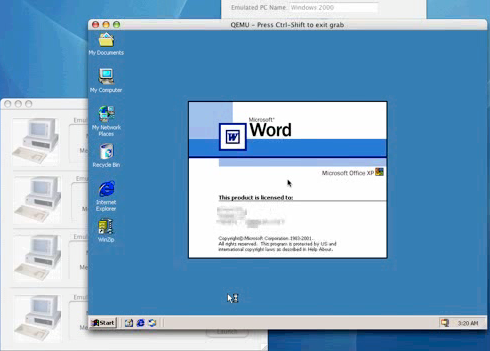
iEmulator
3. Run Windows via open-source emulators such as Bochs and VirtualBox
If you want to remain within the OSX environment and full speed isn't a concern, Parallels would have my vote.
Unix-based operating systems all have a Command Line Interface (CLI). Naturally, they're not geared to run MS-DOS apps or recognize MS-DOS commands.
VirtualBox
Parallels:
Mac Bochs
iEmulator

The Largest Car Forum in the Philippines
- Forums
- Discussions
- Events
- Community
Results 1 to 20 of 61
Threaded View
-

 Tsikoteer

- Join Date
- Jan 2006
- Posts
- 12,398
October 29th, 2009 01:52 AM #29
 Originally Posted by Phoenix67


 Reply With Quote