test
Results 1 to 13 of 13

Thread: Avanza DIY: Removing the Center Console

Hybrid View

Previous Post Previous Post   Next Post Next Post
  1. #1
    Join Date
    Dec 2007
    Posts
    3,938

    Default Avanza DIY: Removing the Center Console

    Para sa mga nagwo-worry na mahirap baklasin ang Center Console ng Avanza ito...

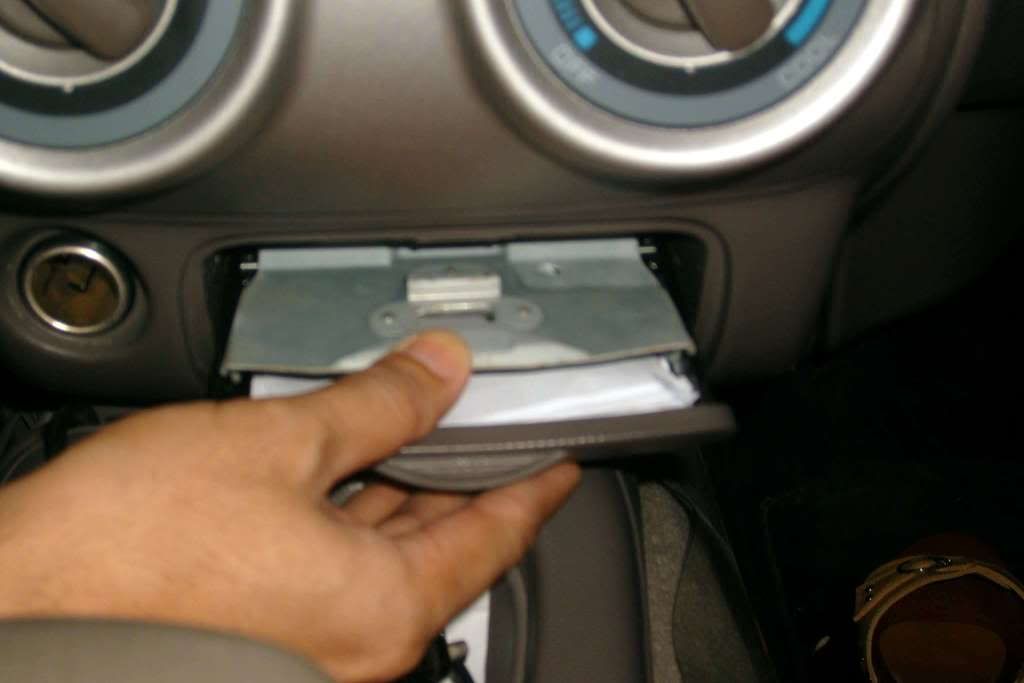
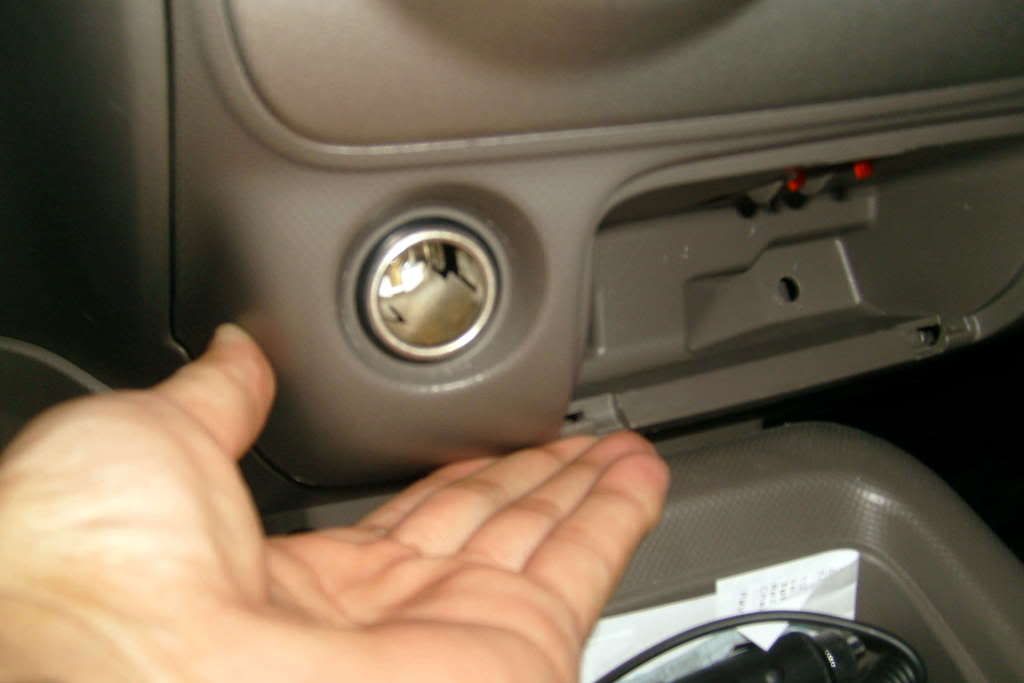
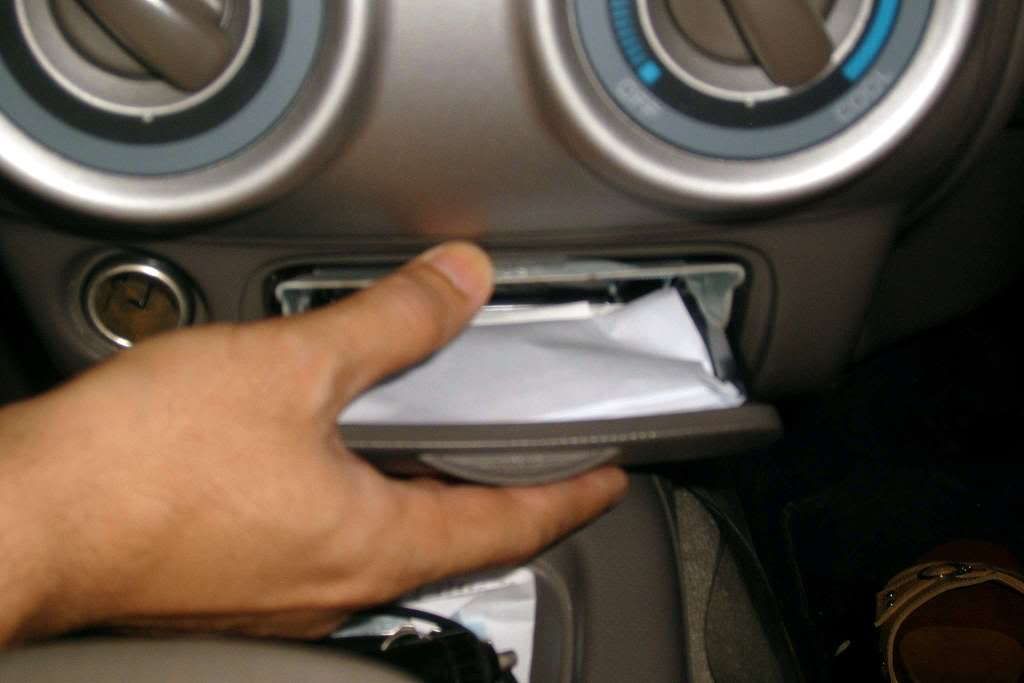
    Step 1: Remove the Ash Tray from the console by opening it:


    Step 2: And then pressing the ash tray lock downwards and pulling it out:


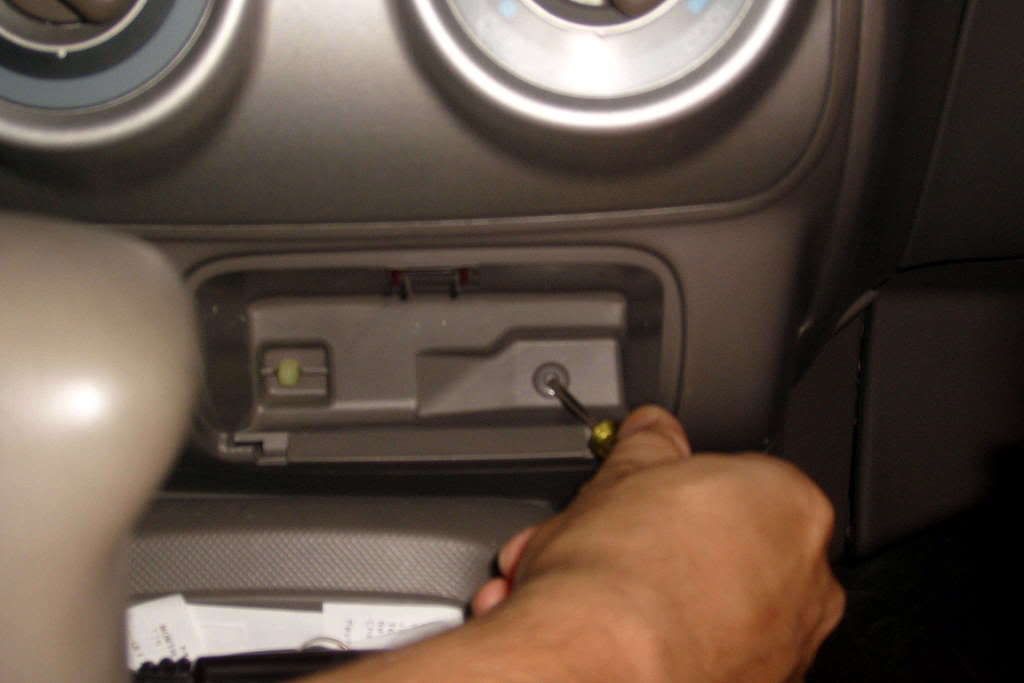
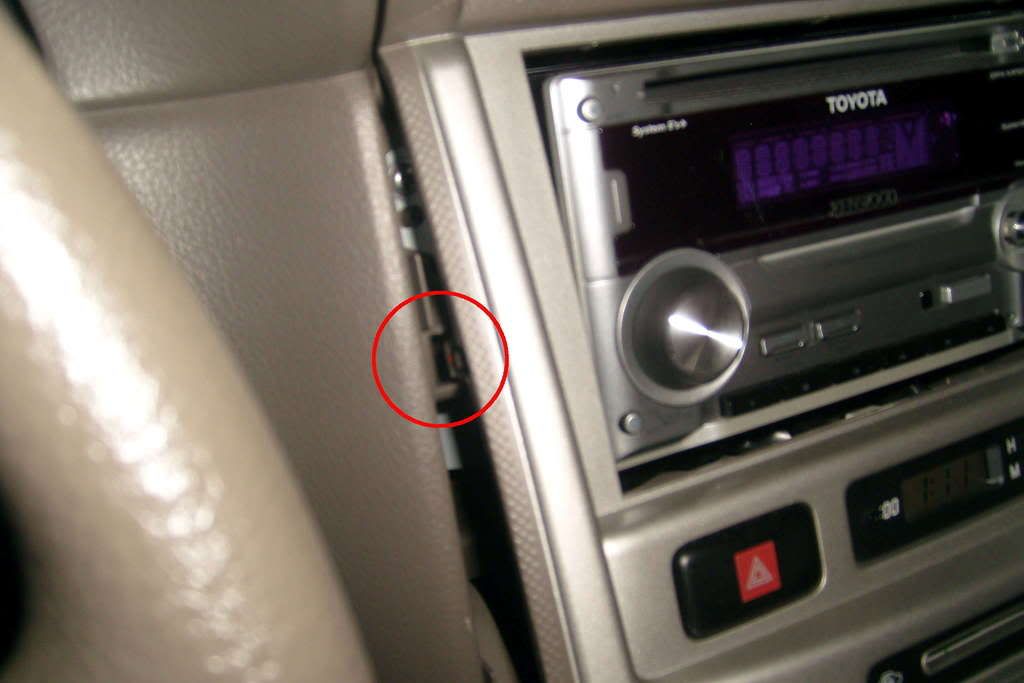
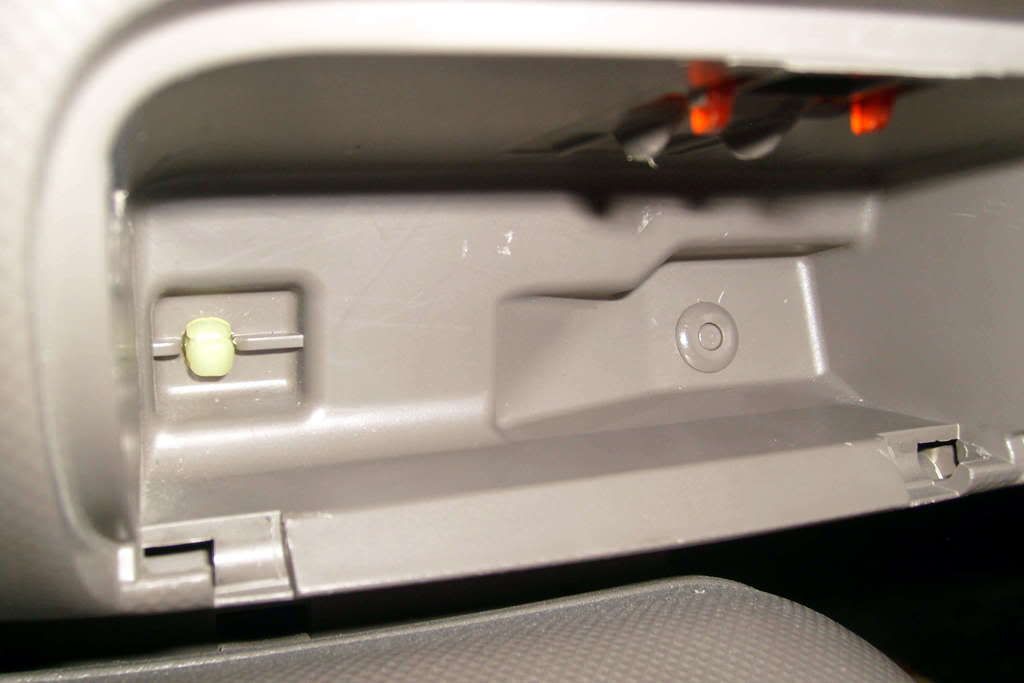
    Step 3: Start the console removal by poking the center of this "pin" in:


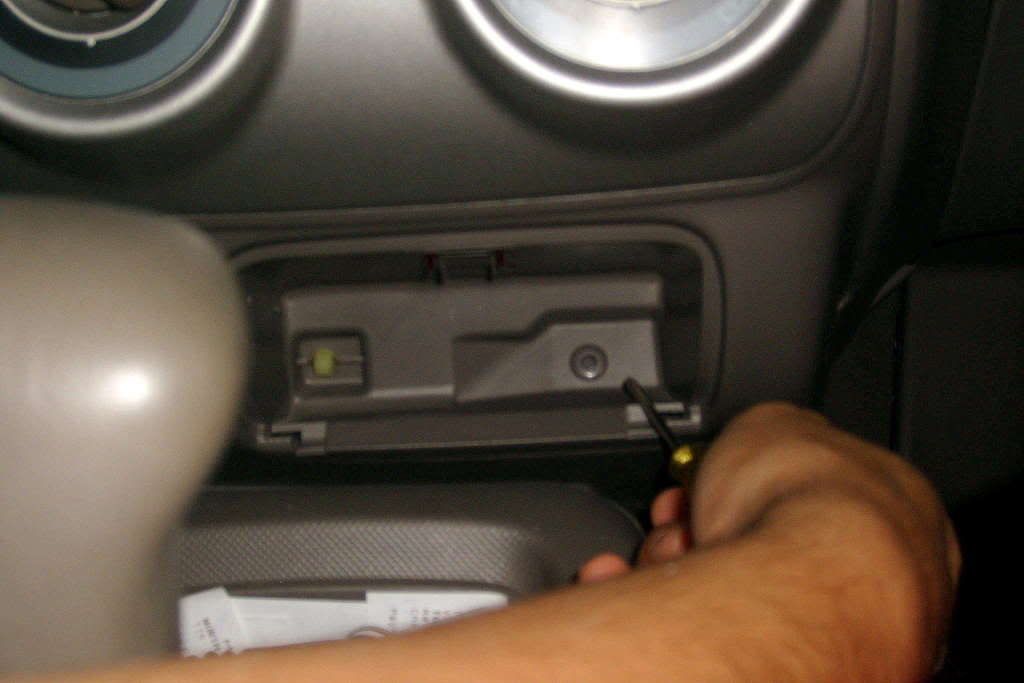
    Step 4: This is how it looks after poking in the center:


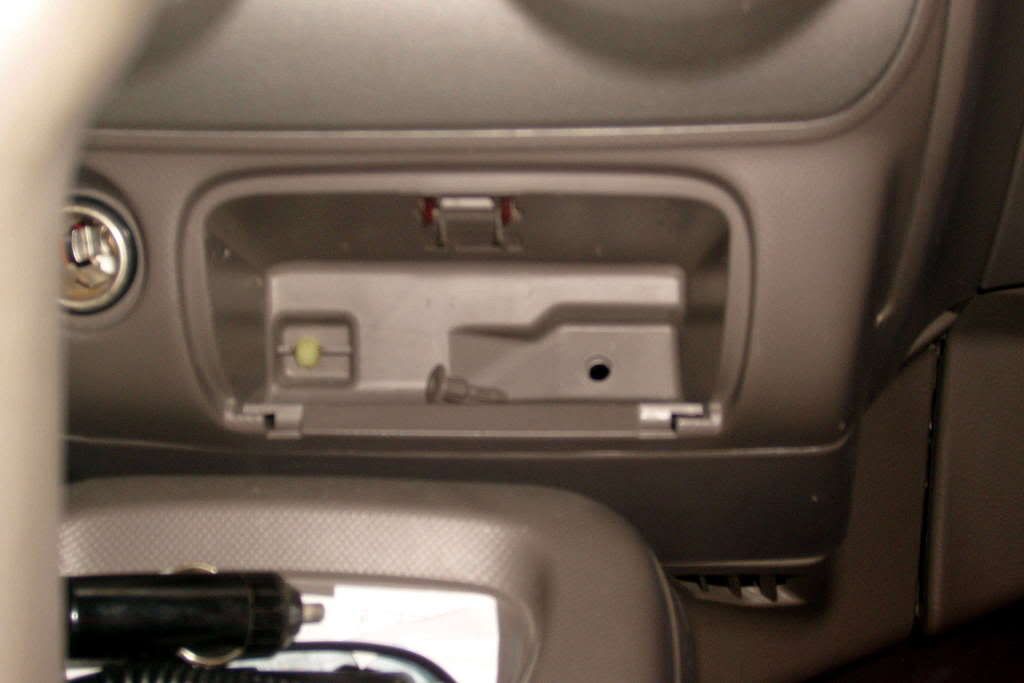
    Step 5: You can use your fingernails to pull out the pin afterwards. Here's how it looks then:


    To be continued...
  2. #2
    Join Date
    Dec 2007
    Posts
    3,938

    Default Re: Avanza DIY: Removing the Center Console

    continuation:

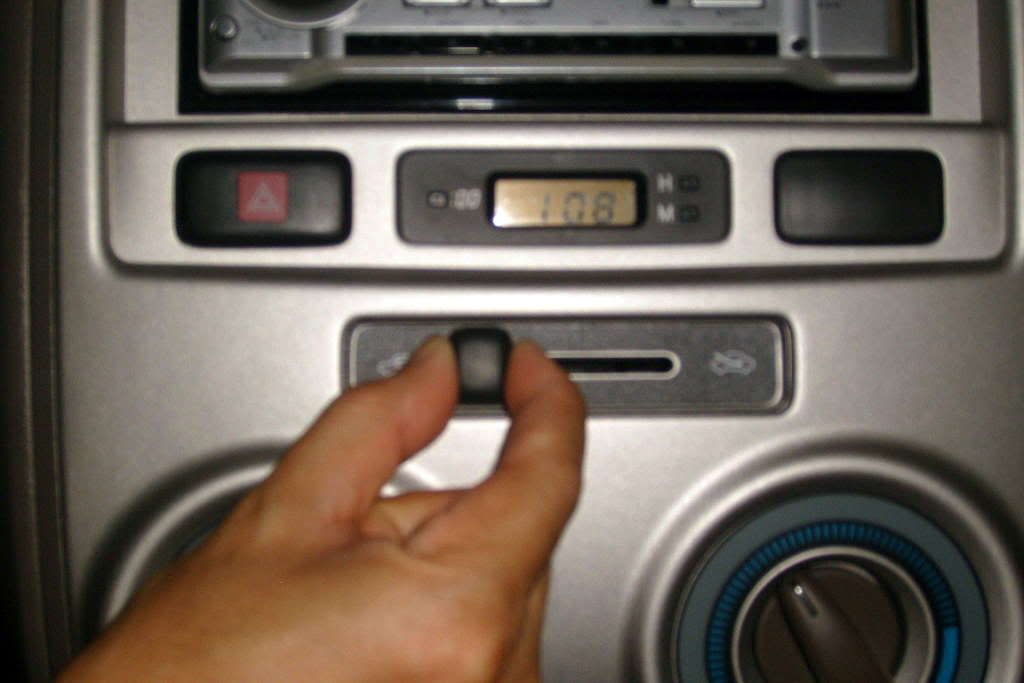
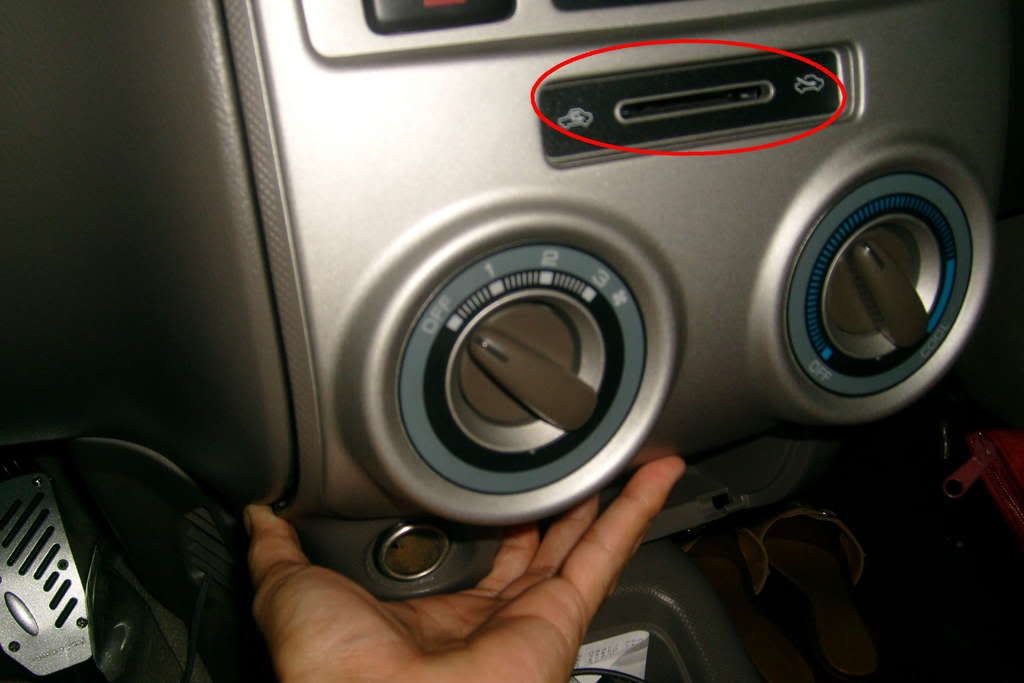
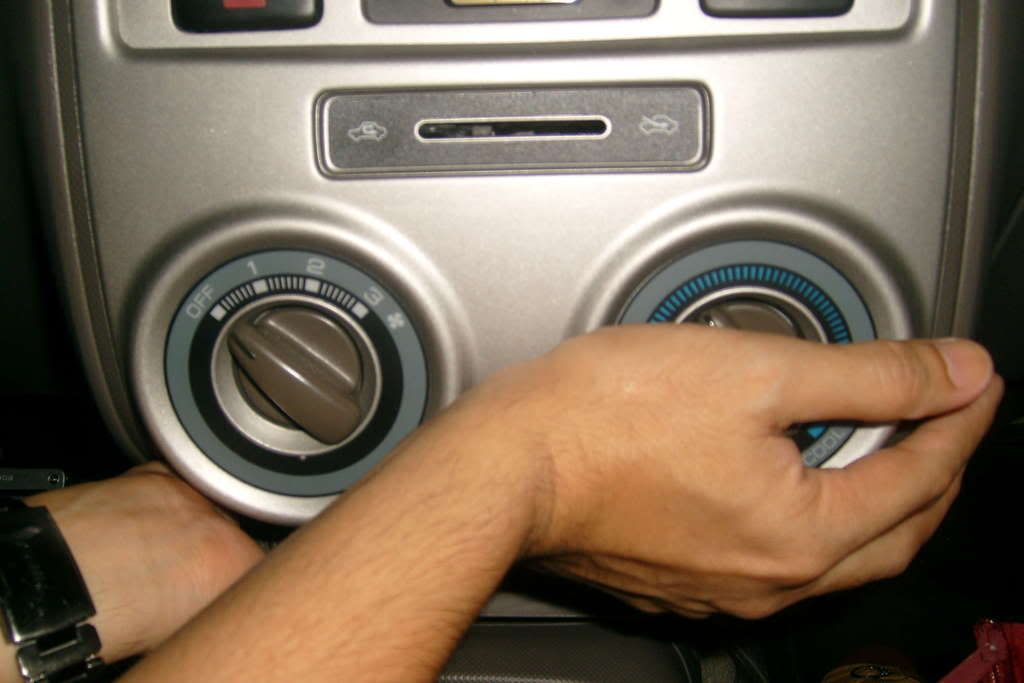
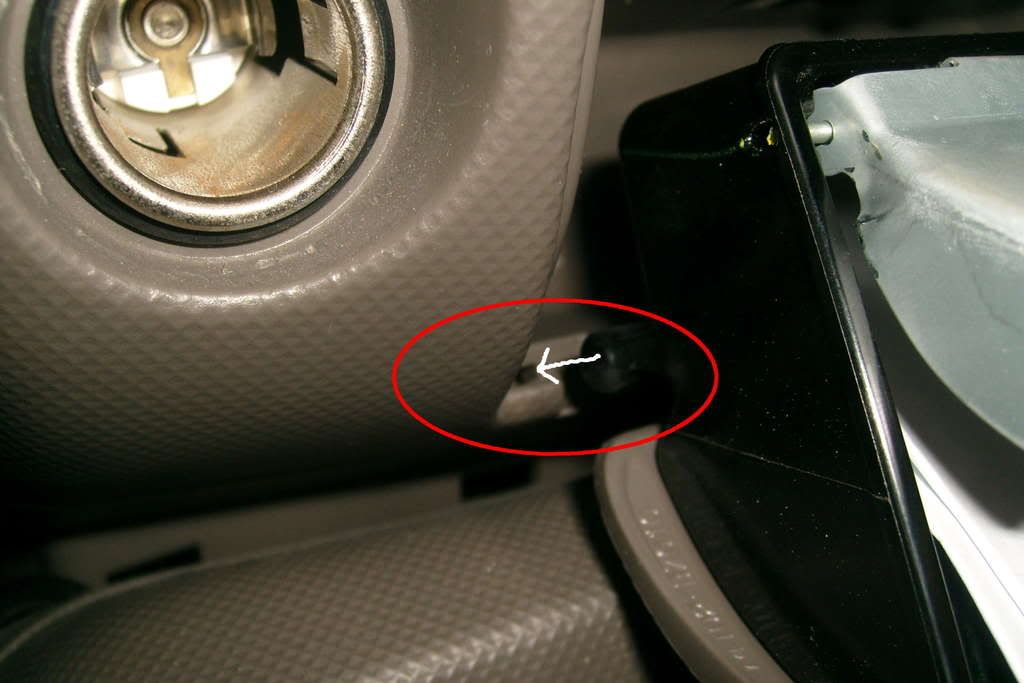
    Step 6: Next, remove this lever cover:


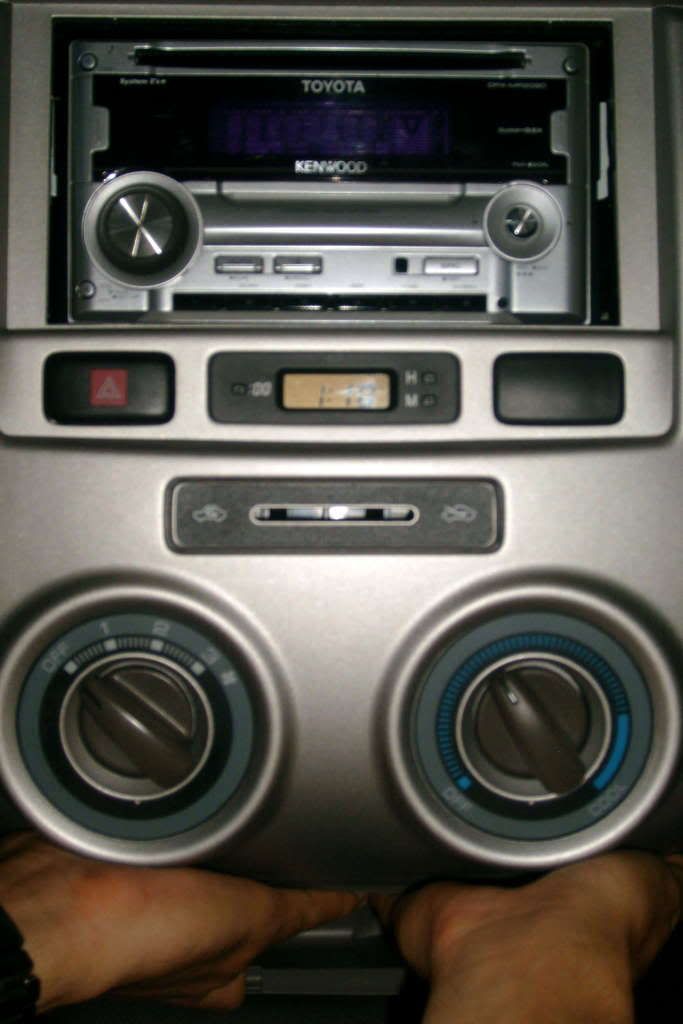
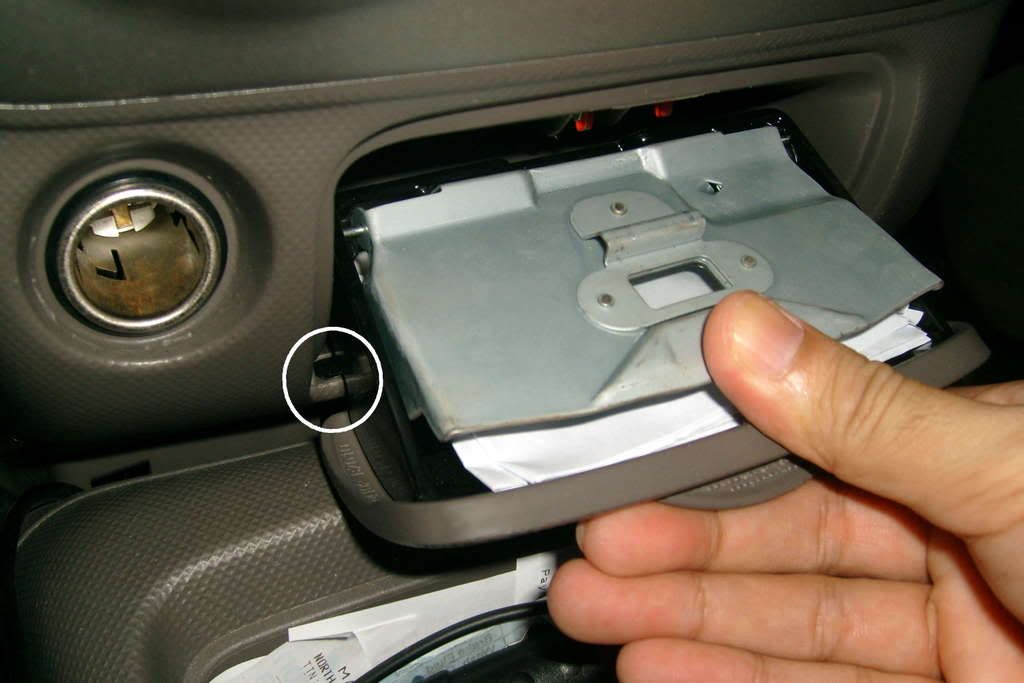
    Step 7: Begin pulling out the console by pulling upwards. Hold it this way:


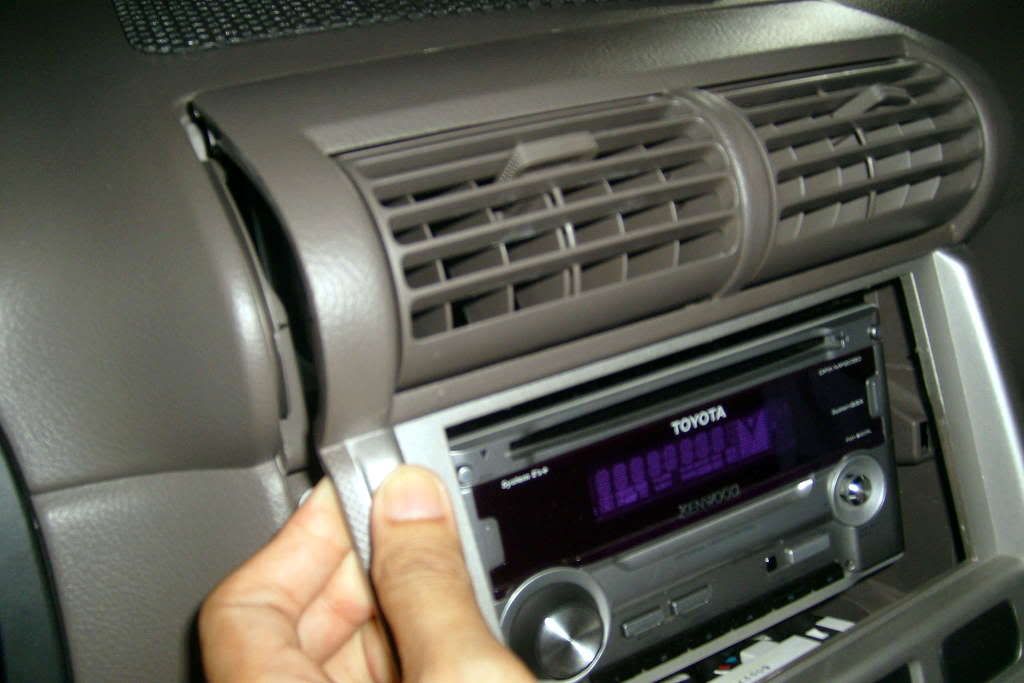
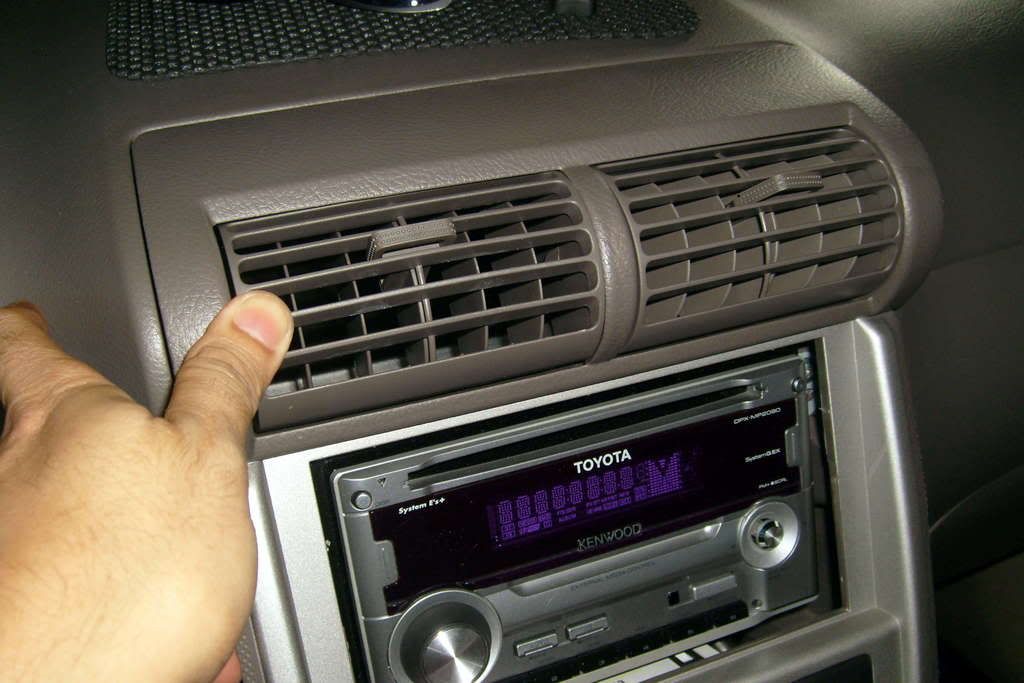
    Step 8: That wasn't so hard now, was it? Now, pull out the top portion by pulling here:


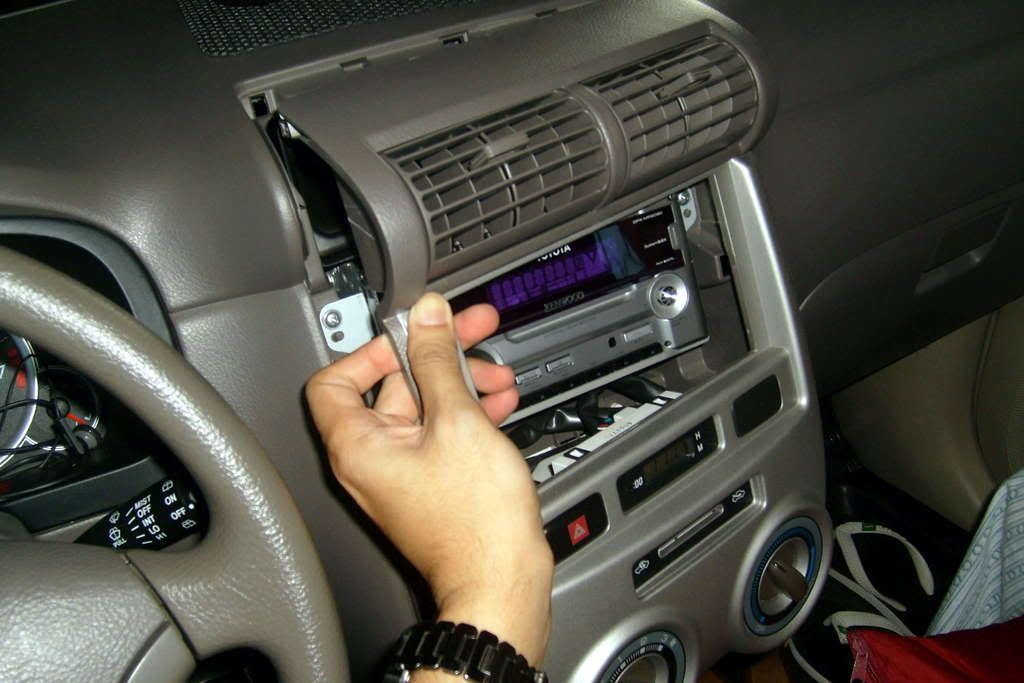
    Step 9: Top portion pulled out:


    NOW you may do what you want with the stuff on the console... You may see some pictures of how the removed console looks like in my other DIY thread:

    Avanza DIY - Defogger switch converted into Aircon Switch: http://tsikot.yehey.com/forums/showthread.php?t=51271

    Of course, the next message will show how to put the console back in its place...

  3. #3
    Join Date
    Dec 2007
    Posts
    3,938

    Default Re: Avanza DIY: Removing the Center Console

    Next, how to place back the console:

    Step 10: Start by reversing the removal procedure -- from the top. Insert the top end, taking care not to break the locking clips at the top:


    Step 11: Also take note of the side locking clips:


    Step 12: And slowly bend the bottom portion towards you so that the lever will go into its proper slot, then push the bottom portion into its position:


    Step 13: Push the left bottom portion into its place:


    Step 14: Final push:


    To be continued...

  4. #4
    Join Date
    Dec 2007
    Posts
    3,938

    Default Re: Avanza DIY: Removing the Center Console

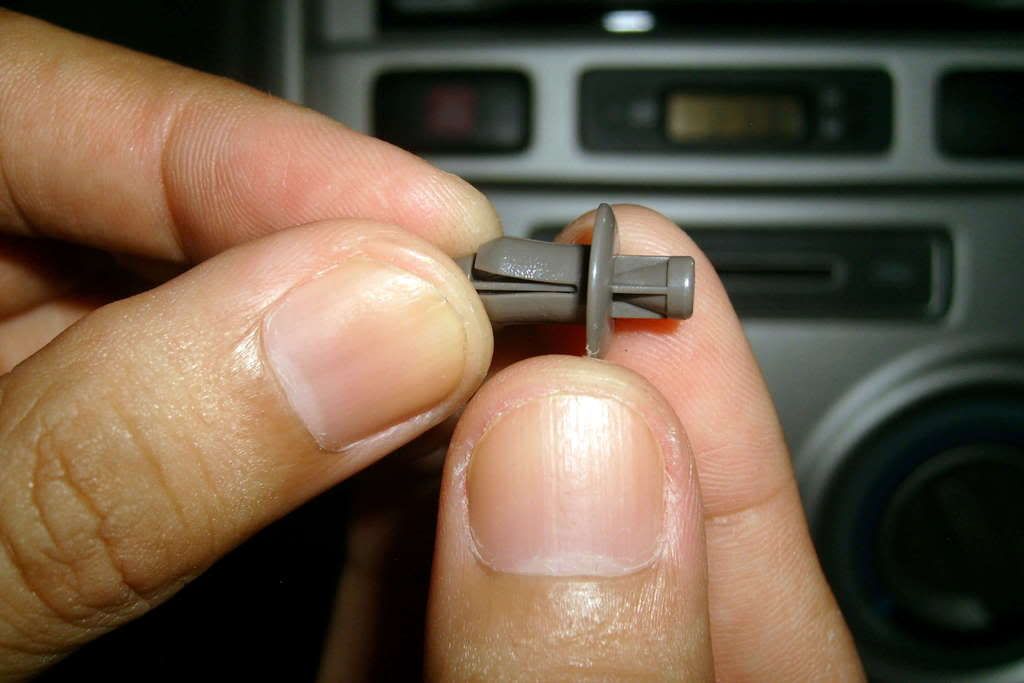
    Step 15: Take the locking pin and push out the lock out of the head up to this point. Be careful not to break the sides:


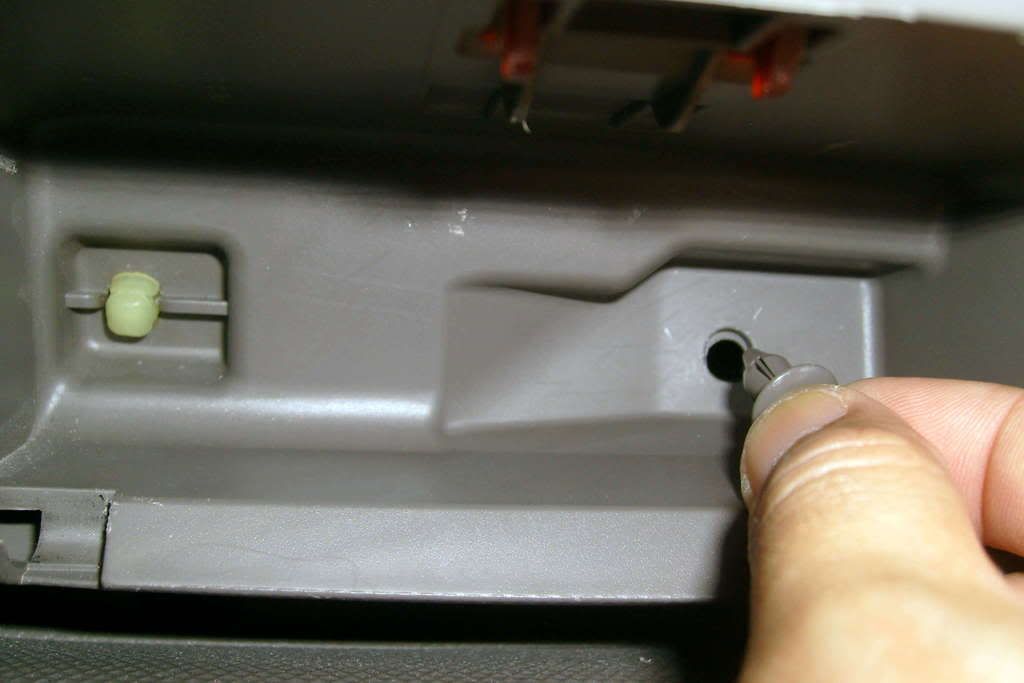
    Step 16: Hold it by the center "nail" and insert it back into its position:


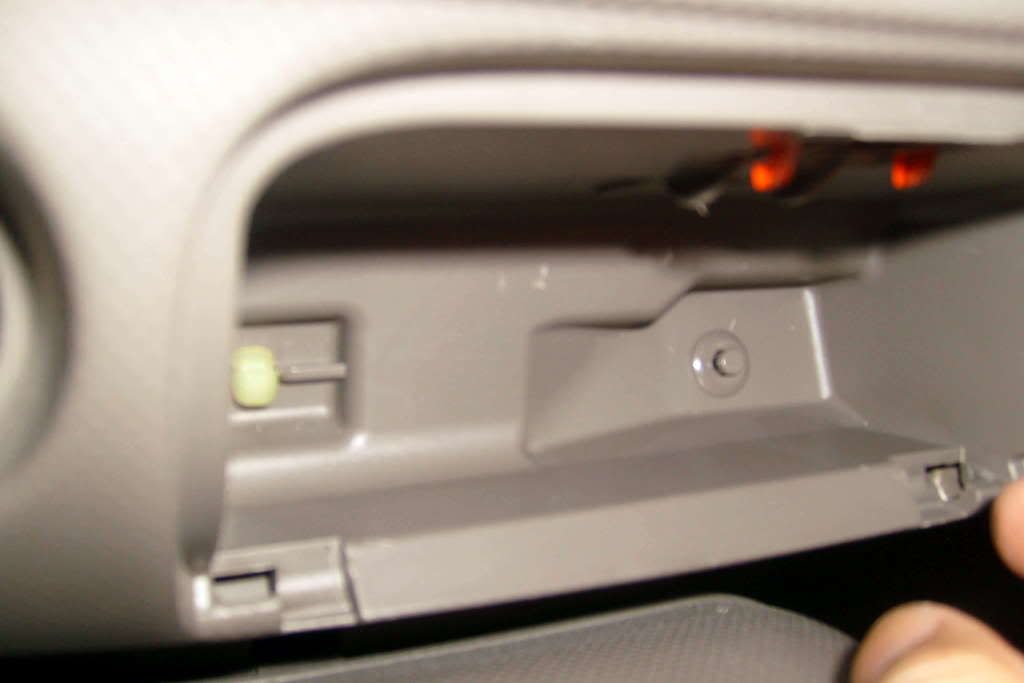
    Step 17: Inserted position:


    Step 18: Push the center in to lock it:


    Step 19: Put back the ash tray. Note the side slots:


    To be continued...

  5. #5
    Join Date
    Dec 2007
    Posts
    3,938

    Default Re: Avanza DIY: Removing the Center Console

    Step 20: Slotted in, push down on the upper metal lock, and push the ash tray back into position:


    Put back the cover of the aircon lever and all is done!

    Hope this helps...

  6. #6
    Join Date
    Nov 2007
    Posts
    2,442

    Default Re: Avanza DIY: Removing the Center Console

    nice one sir woh btw para san po ba pag tinangal ang center console ng avanza?

  7. #7
    Join Date
    Oct 2010
    Posts
    61

    Default Re: Avanza DIY: Removing the Center Console

    sir, baka meron D.I.Y kung pano tanggalin yung a/c blower cover sa 2nd row, gusto ko kasi linisin yung loob napansin ko maarami ng dumi yung mga fins kaya siguro mahina na yung buga ng hangin sa 2nd row....thanks

  8. #8
    Join Date
    Feb 2014
    Posts
    3

    Default Re: Avanza DIY: Removing the Center Console

    Quote Originally Posted by arki69 View Post
    sir, baka meron D.I.Y kung pano tanggalin yung a/c blower cover sa 2nd row, gusto ko kasi linisin yung loob napansin ko maarami ng dumi yung mga fins kaya siguro mahina na yung buga ng hangin sa 2nd row....thanks

    boss san po kaya pwede magpakabit ng carbon sticker? balak ko po dun sa center console eh hehe. tnx!

Tags for this Thread

Posting Permissions

  • You may not post new threads
  • You may not post replies
  • You may not post attachments
  • You may not edit your posts
  •